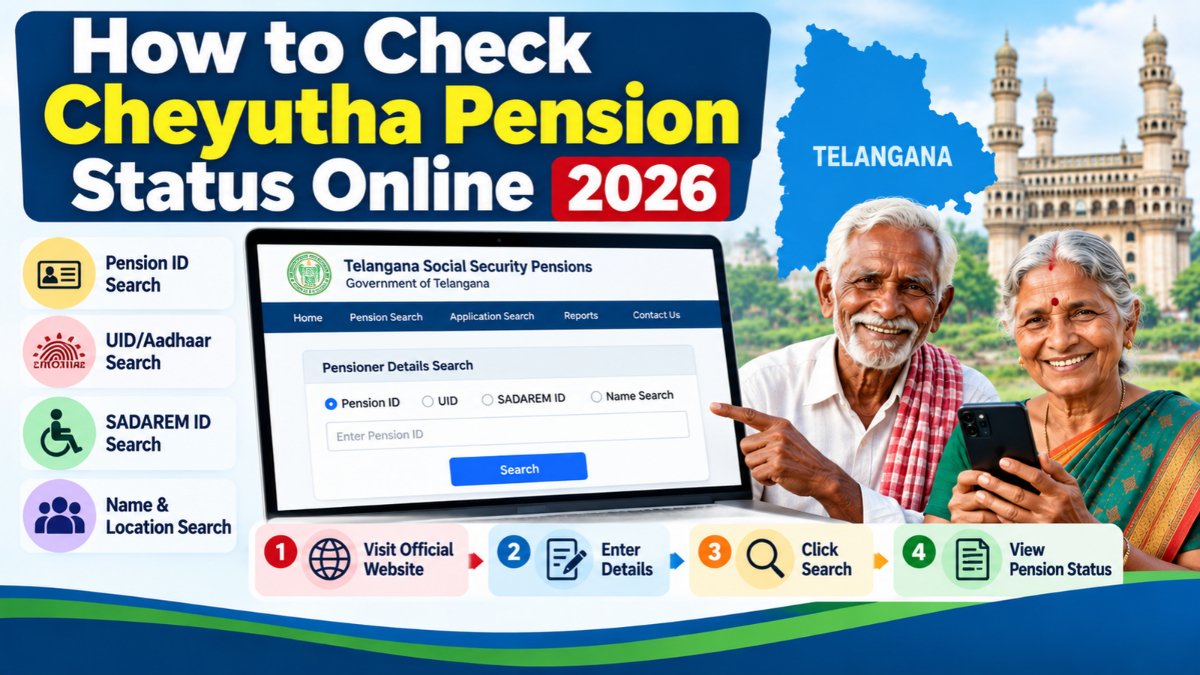
How to Check Cheyutha Pension Status Online 2026
Are you looking for a simple way to check your Telangana Cheyutha Pension status online? Beneficiaries can use the official Telangana Social Security Pensions portal to search for pensioner details using their Pension ID, UID, SADAREM ID, or available location and name details.
In this article, you will learn how to check Cheyutha Pension status online, find pensioner details, check a new application, and what to do if your information does not appear on the portal.
Official Cheyutha Pension Status Check Link
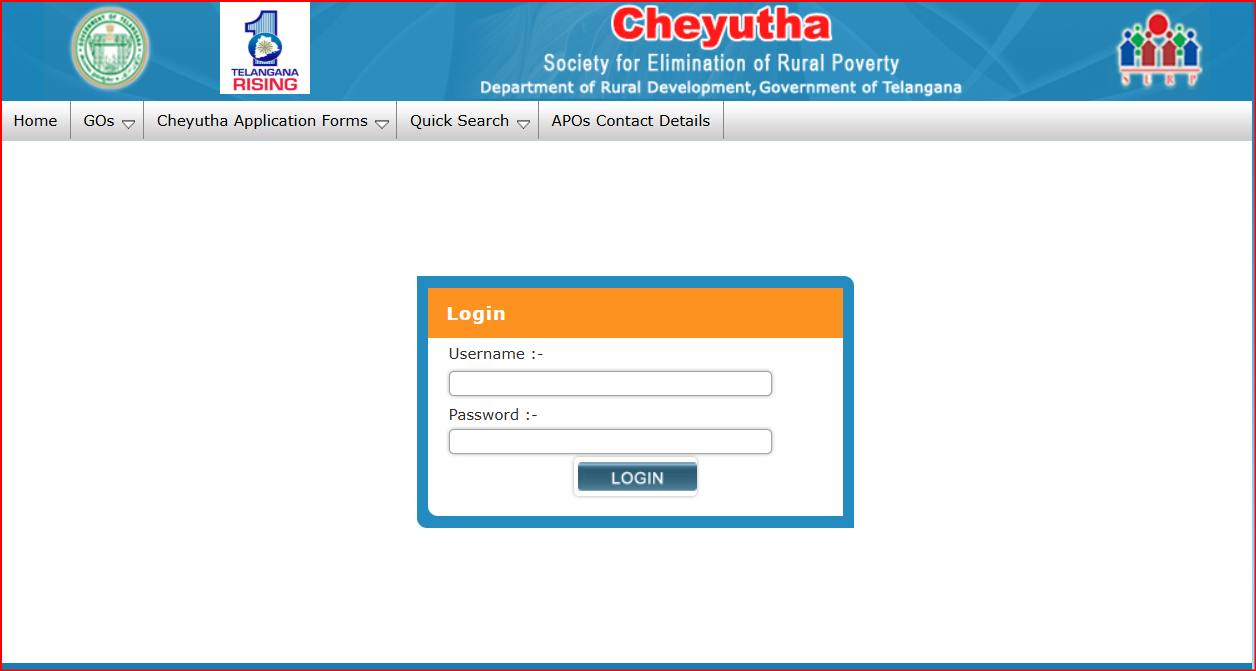
You can check pensioner details directly through the official Telangana government website.
Official Website: Check Cheyutha Pension Status Online
The official search page provides options to search using Pension ID, UID, SADAREM ID, or location and beneficiary details.
How to Check Cheyutha Pension Status Online Step by Step Guide
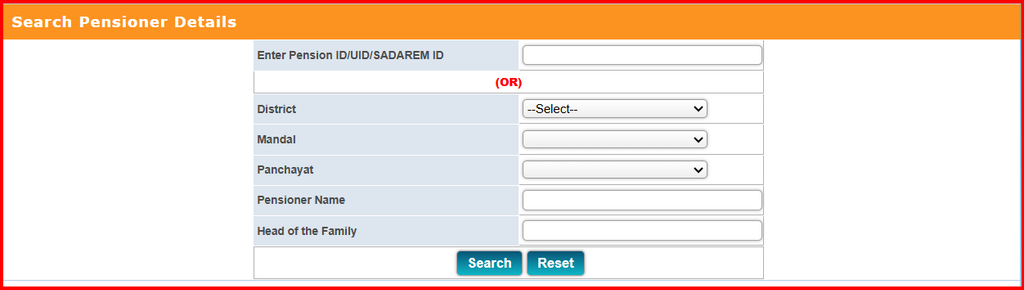
Follow these steps to search for your pension details.
Step 1: Visit the official Cheyutha Pension Status Search page.
Step 2: Select one of the available search methods.
You can use your Pension ID, UID/Aadhaar-related identification, or SADAREM ID where applicable. Alternatively, you can search using location details.
Step 3: If you choose the location-based search, select the required details, such as:
- District
- Mandal
- Panchayat
Step 4: Enter the pensioner’s name or head-of-family details if requested by the portal.
Step 5: Submit the search using the option displayed on the website.
Step 6: Review the results shown on the screen and verify that the beneficiary details match the correct person.
The information displayed depends on the details entered and the records available in the official database.
How to Check New Cheyutha Pension Application Status
If you have recently submitted a pension application, use the official New Applicant Details Search page.
Official Link: Check New Pension Application Details
Follow these steps:
- Open the official New Applicant Details Search page.
- Enter your Application ID or Aadhaar-related identification, as requested.
- Alternatively, select the available district, mandal/municipality, and Gram Panchayat/ward details.
- Submit the search.
- Review the information displayed for your application.
Keep your application acknowledgement or reference number available if you have one.
Important: This page provides application-related search details. The information displayed may not necessarily show every stage of application approval or payment processing.
Read More: Cheyutha Pension Application Status
How to Check Cheyutha Pension Payment Details
To find available pension disbursement information, beneficiaries can also visit the official pension reporting portal.
Official Link: Telangana Pension Reports and Dashboard
The reports provide pension-related information according to the report and filters available. A general beneficiary search should not be treated as confirmation that a particular month’s pension has been credited to a bank account.
For confirmation of an actual bank credit, check your bank passbook, account statement, or the relevant bank service.
Read More: Cheyutha Pension Payment Details
What to Do If Cheyutha Pension Details Are Not Found
If your pension details do not appear in the online search, try the following:
- Check that the Pension ID or other entered details are correct.
- Try the location-based search using the correct district, mandal, and panchayat.
- Check whether the application reference number is correct.
- Contact the relevant local government office if the details remain unavailable.
- If you are an existing beneficiary and a payment is delayed, ask the responsible office to verify your pension record and payment details.
An unsuccessful search does not automatically mean that your pension has been cancelled or rejected. The record may require verification, or the search information may not match the database.
Documents and Details to Keep Ready
Before checking your pension status, keep the following information available where applicable:
- Pension ID
- Aadhaar/UID details
- SADAREM ID, if applicable
- Application ID for a new application
- Beneficiary name
- District, mandal, and panchayat details
Use personal information only on the official government website. Avoid sharing Aadhaar numbers, pension IDs, or bank details in public comments or with unauthorised websites.
Read More: Cheyutha Pension Required Documents
Cheyutha Pension Status Online – Frequently Asked Questions
1. Where can I check Cheyutha Pension status online?
Visit the official Telangana Pension Status Search portal.
2. Can I check pension details using my Pension ID?
Yes. The official search page provides a Pension ID search option, along with other available search methods.
3. Can I check a new Cheyutha Pension application online?
Yes. Use the official New Applicant Details Search page and enter the requested application or identification details.
4. What should I do if my pension details are not showing?
Verify your details and try another available search method. If the problem continues, contact the relevant local government office for assistance.
5. Does the pension status page confirm that money has been credited?
Not necessarily. A beneficiary search and a bank payment confirmation are different. Check your bank account statement or passbook to confirm an actual credit.
Conclusion
Checking Cheyutha Pension status online is straightforward when you have the correct beneficiary or application details. Use the official Telangana pension portal to search for existing pensioner details, check new application information, and review available pension reports.
Always rely on official government sources for pension records and payment information.
Disclaimer: This article is for informational purposes only. The portal interface, search options, and pension procedures may change. Final pension and payment information should be verified through the official Telangana government website or the responsible local authority.